
Community pages are a great new feature within WebSphere Portal v8.x that allows you to bring the collaborative capabilities provided by IBM Connections into your WebSphere Portal environment. The added benefit is that it allows you to add these collaborative capabilities in the context of other (portlet) applications, such as web content, forms, enterprise applications and/or any portlet application. Once configured with IBM Connections, when creating a new Portal page, you have the option to associate that page with a Community within IBM Connections. After the page is created, when adding a Connections portlet to the page, it automatically recognizes the context of the Community (based on the Community association in which the page was created) and renders the appropriate Connections service-related content. The portlets currently available to be used with Community pages are the Activity Stream, Library, Profiles (i.e. members), Tags, Bookmarks, Forums, Blogs, Wikis and Activities. You can also use social rendering portlets within a community page.
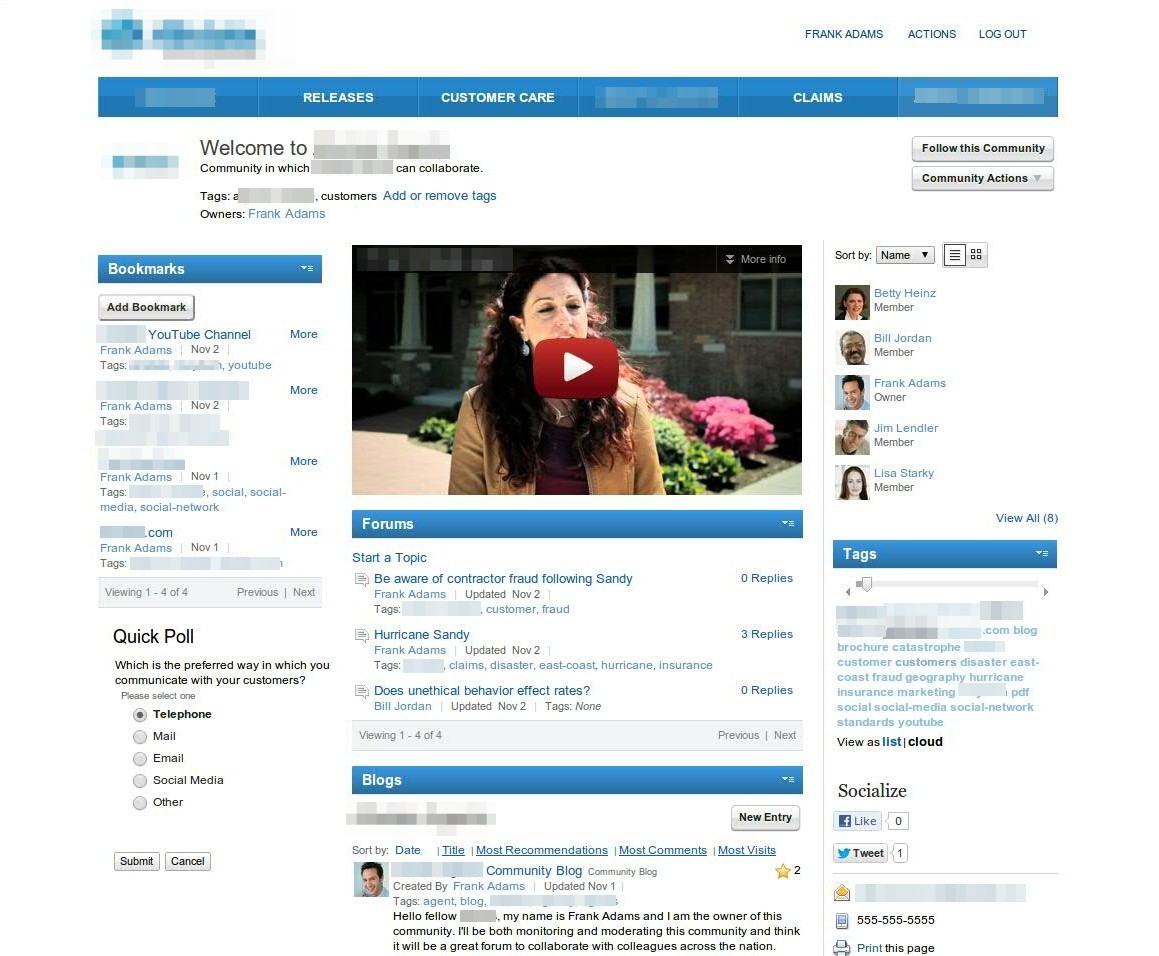
Here is a sample screen shot of a Community page from a recent demo I put together:
 Kristopher S. Barry